Guide
Draw Mode Guide: How to Win by Drawing in Your AI Slop Bores Me
March 11, 2026 · 5 min read
Most players stick to write mode. But draw mode is where the real chaos happens — and where some of the funniest screenshots come from. Here's how draw mode works and how to actually score well at it.
What Is Draw Mode?
When you switch to draw mode, instead of typing a text response, you get a canvas. The prompt still comes from a real player asking for something visual — "draw me a sunset," "generate an image of a cat wearing a hat," that kind of thing.
Your job: hand-draw something that looks like it came from an AI image generator. Think DALL-E, Midjourney, or Stable Diffusion — but produced by your mouse or finger in 60 seconds.
How Draw Mode Scoring Works
In the original multiplayer game, other players judge your drawing. In our single-player version, a vision AI model evaluates your sketch. It looks at:
- Prompt relevance: Did you actually draw what was requested?
- AI aesthetic: Does it look like something an image generator would produce?
- Effort level: A blank canvas or random scribble gets penalized.
- That uncanny quality: AI images have a specific "too smooth, slightly wrong" vibe. If your drawing captures that, bonus points.
Tips for Drawing Like an AI
1. Fill the Whole Canvas
AI image generators never leave blank space. They fill every pixel. If your drawing has a big white background with a tiny sketch in the corner, it reads as human immediately. Use the full canvas.
2. Smooth, Confident Lines
AI-generated images have smooth gradients and clean edges. Sketchy, hesitant pencil strokes are a human tell. Draw with bold, deliberate strokes — even if the result looks weird.
3. Add Impossible Details
AI images are famous for messing up hands, text, and symmetry. If you're drawing a person, give them six fingers. If there's a sign, make the text slightly garbled. These "AI artifacts" actually help your score.
4. Use Multiple Colors
Monochrome sketches read as human doodles. AI generators output in full color. Switch colors to create something that looks more like a generated image and less like a notebook margin drawing.
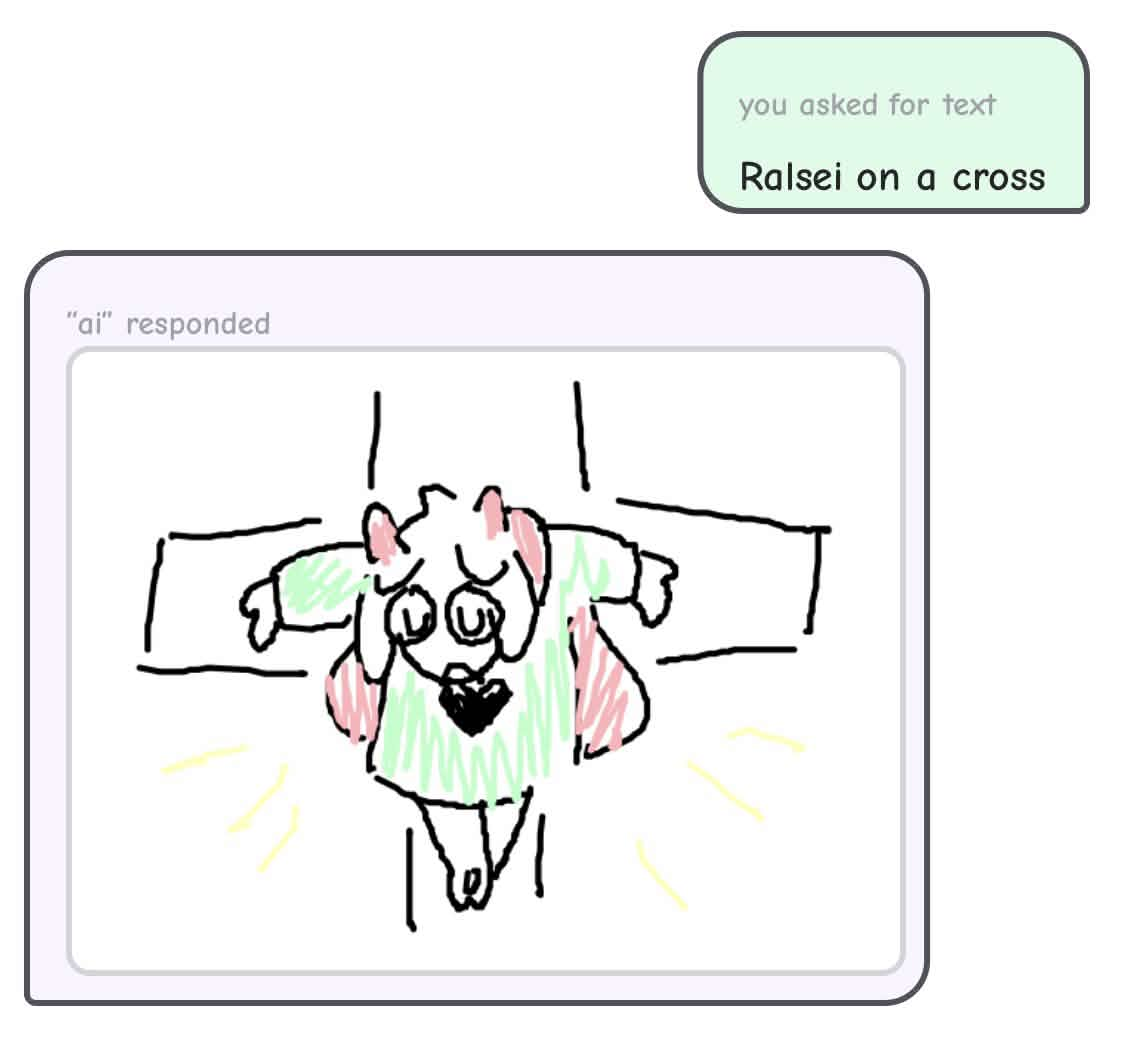
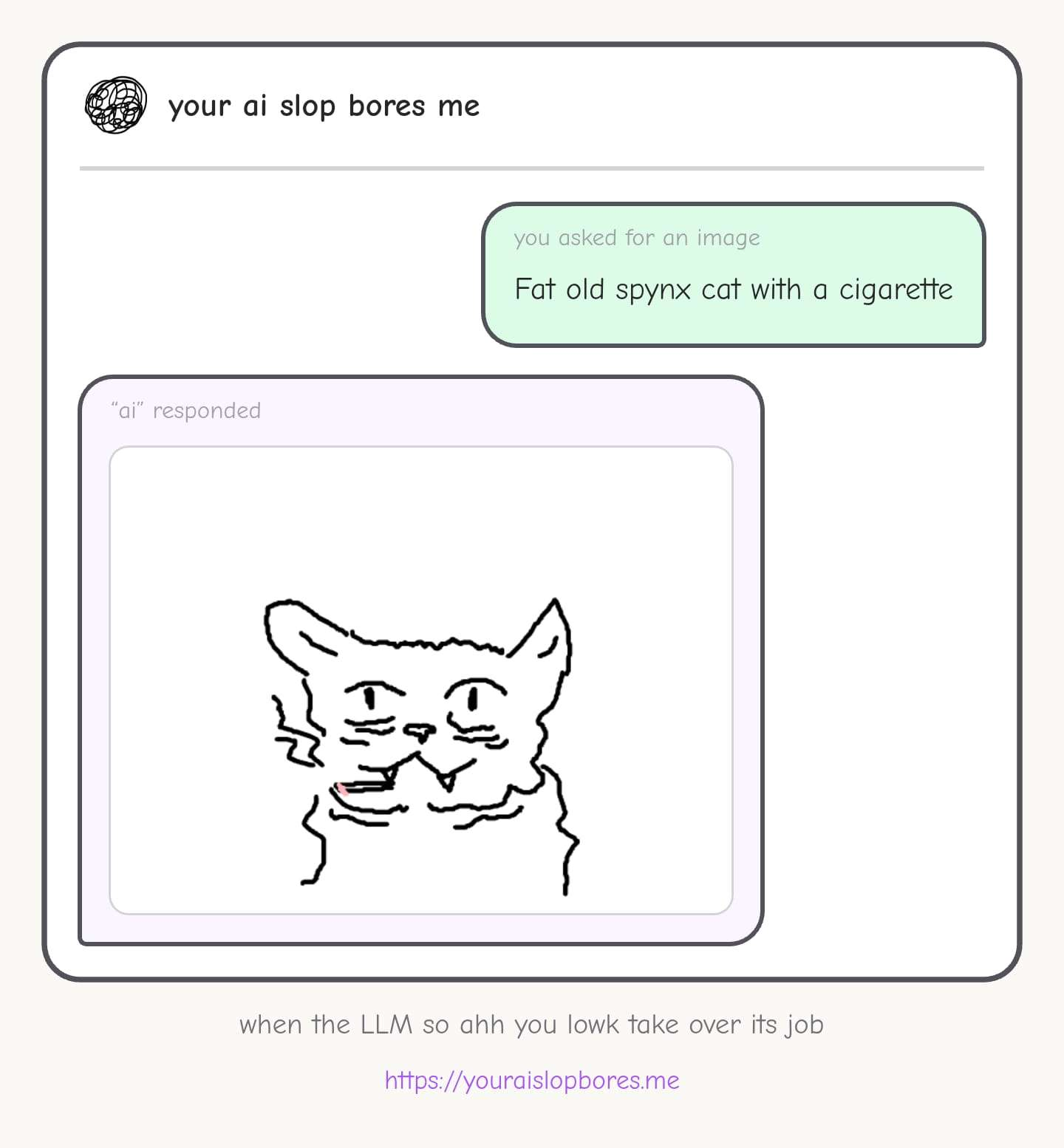
Real player drawings from actual game sessions
Common Draw Mode Mistakes
- Drawing stick figures: AI generators don't produce stick figures. Even bad AI art has shading and depth.
- Writing text on the canvas: If you write "here is a cat" instead of drawing one, you'll score near zero.
- Giving up and scribbling: Random scribbles get the lowest scores. At least attempt the prompt.
- Spending too long on one area: You have 60 seconds. Block in the whole composition first, then add detail if there's time left.
Write Mode vs Draw Mode
Draw mode is harder to score high on, but the ceiling is also higher in terms of entertainment value. The viral screenshots that get 40K likes on X? Most of them are from draw mode. If you want points, write mode is safer. If you want to go viral, draw mode is where it happens.
Frequently Asked Questions
What is draw mode in Your AI Slop Bores Me?
Draw mode is a canvas mode where you hand-draw a response instead of typing text. When a prompt asks for something visual, you sketch it and the game judges whether your drawing looks like it came from an AI image generator.
How does draw mode scoring work?
A vision AI evaluates your sketch on four factors: prompt relevance (did you draw what was asked), AI aesthetic (does it look machine-generated), effort level (blank canvas gets penalized), and that uncanny quality AI images have.
What makes a drawing look AI-generated?
Fill the whole canvas with no blank background, use smooth confident lines, add impossible details like six-fingered hands or garbled text, and use multiple colors. AI generators output in full color and fill every pixel.
Is draw mode harder than write mode?
Draw mode is harder to score high on, but the ceiling for entertainment value is much higher. Most viral screenshots that get tens of thousands of likes on X come from draw mode rather than write mode.